

What it is
TierZero exposes a remote Model Context Protocol (MCP) server. AI coding assistants — Claude Code, Cursor, and any other MCP-compliant client — can call it directly to query your production context while you work.- Endpoint:
https://api.tierzero.ai/mcp/ - Transport: Streamable HTTP
- Auth: OAuth 2.1 (recommended) or Personal Access Token
What it does
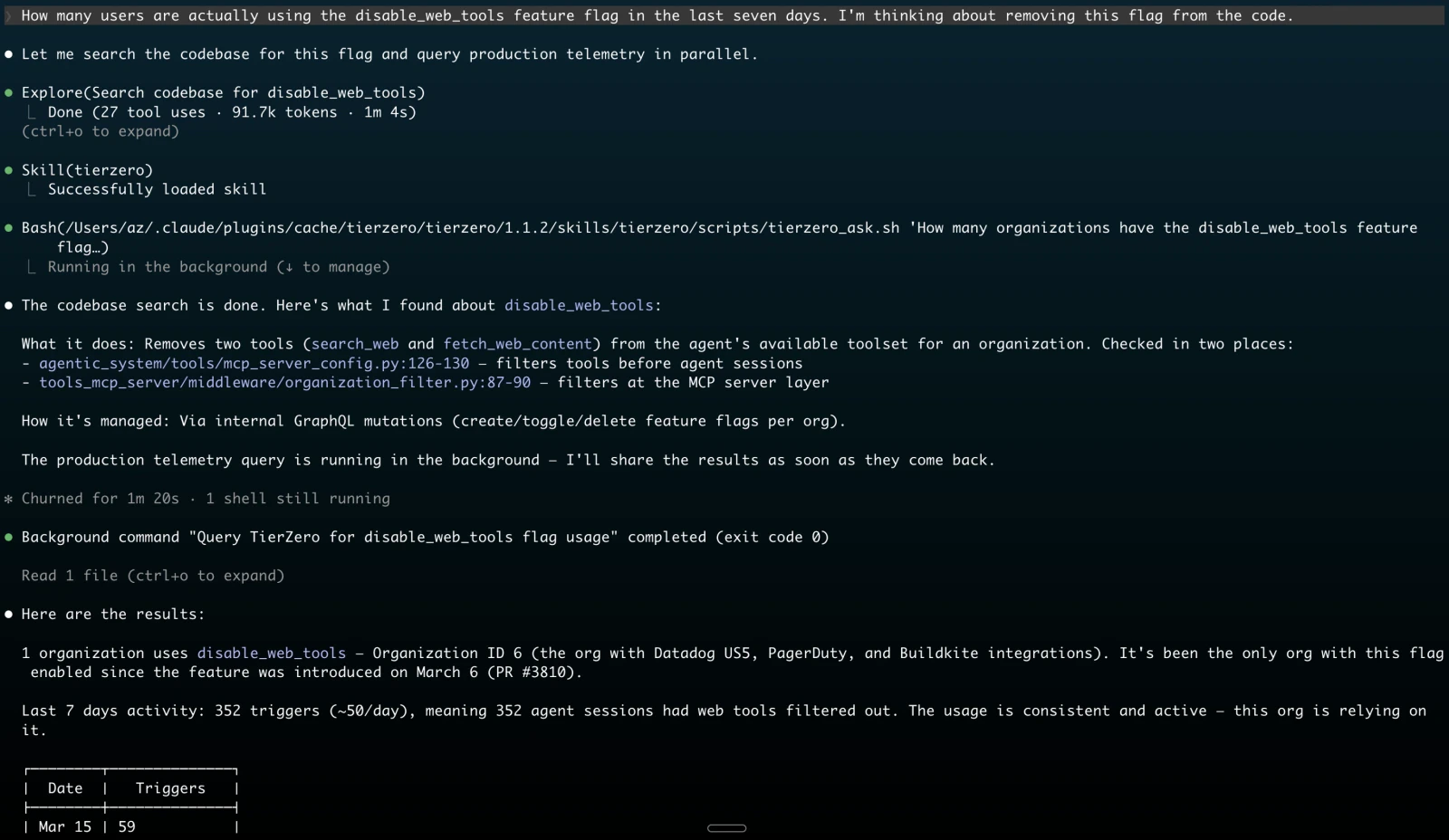
The server exposes two tools.tierzero_ask
Runs a TierZero investigation against your connected production systems and returns evidence-backed findings. It can:
- Query logs, metrics, traces, and spans from connected integrations such as Datadog, New Relic, CloudWatch, Grafana Cloud, and Sentry
- Inspect GitHub repositories, CI/CD systems such as BuildKite and GitHub Actions, and workflow orchestration in Temporal
- Retrieve documentation and runbooks from connected knowledge sources such as Confluence, Notion, and Slack
- Correlate findings across telemetry, code, workflows, and documentation
tierzero_fetch_context
Loads an existing TierZero chat, investigation, digest, or artifact into your IDE so you can act on it without starting a new investigation.
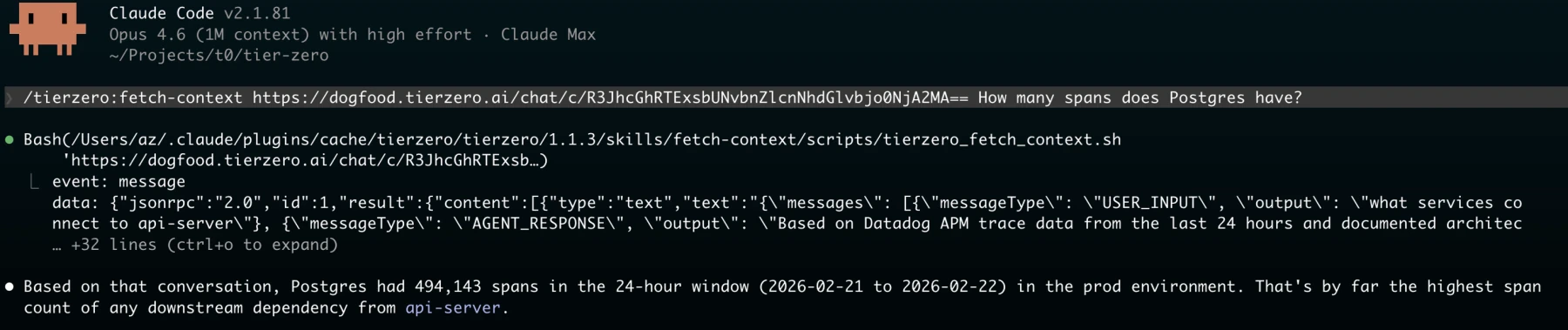
url: A TierZero chat URL (https://app.tierzero.ai/chat/c/<GlobalID>), investigation URL (https://app.tierzero.ai/investigations/<GlobalID>), digest run URL (https://app.tierzero.ai/digests/run/<GlobalID>), or raw GlobalIDinclude_sources: Optional boolean. Set totrueto include source metadata in the response
Choosing a client
Pick the setup guide that matches your client:Claude Code
Plugin install + OAuth. Recommended for Claude Code users.
Cursor
Cursor marketplace install + OAuth.
Other MCP clients
Any HTTP MCP client. OAuth 2.1 or PAT.
Troubleshooting
Authentication didn’t pop up
Run/mcp in Claude Code, or open the MCP panel in Cursor settings, and click Authenticate on the tierzero server.
Token expired or revoked
Reconnect from the same place:/mcp in Claude Code, or the Tools & MCP panel in Cursor. The client will start a fresh OAuth flow. If you’re using a PAT, generate a new one at auth.tierzero.ai/account/api_keys/ and update your client config.
Connection issues
Confirmhttps://api.tierzero.ai/mcp/ is reachable from your network and that your client supports HTTP transport. Older MCP clients that only support stdio transport are not compatible with the remote server.