

Overview
TierZero integrates with your existing telemetry, code, and other external systems to provide intelligent insights and automated assistance. This page provides an overview of available integrations and setup best practices.Available Integrations
| Category | Tools |
|---|---|
| Observability | Datadog, New Relic, CloudWatch |
| Code | GitHub |
| Communication | Slack, Discord |
| Incident Management | Rootly, Opsgenie, PagerDuty, FireHydrant |
| Knowledge Management | Notion, Confluence |
| CI/CD and Workflow Automation | Buildkite, Temporal |
Integration Priority
For optimal performance and user experience, we recommend setting up integrations in the following order:Essential
These three integration categories are necessary for core functionality:- Observability - Provides telemetry data for debugging and investigation
- Code - Enables code analysis and context for issue resolution
- Communication - Allows TierZero to interact with your team where they work
Recommended
- Incident Management - Allows TierZero to listen to alerts for automated response
- Knowledge Management - Provides direct access to teams existing knowledge and documentation
- CI/CD and Workflow Automation - Provides additional telemetry data stored in other external systems
Setup Best Practices
Datadog Setup
Key Points:- API and application key are required
- Ensure the application key has all read permissions, including
- All
*_readpermissions (for reading metrics, logs, and traces) - All
logs_read_*permissions (for log access) timeseries_querypermission (for querying metrics)
- All
- Select the correct Datadog site (US1, US3, US5, EU1, AP1, or AP2) for your Datadog account
- TierZero only requires read-only access - no write permissions needed
GitHub Setup
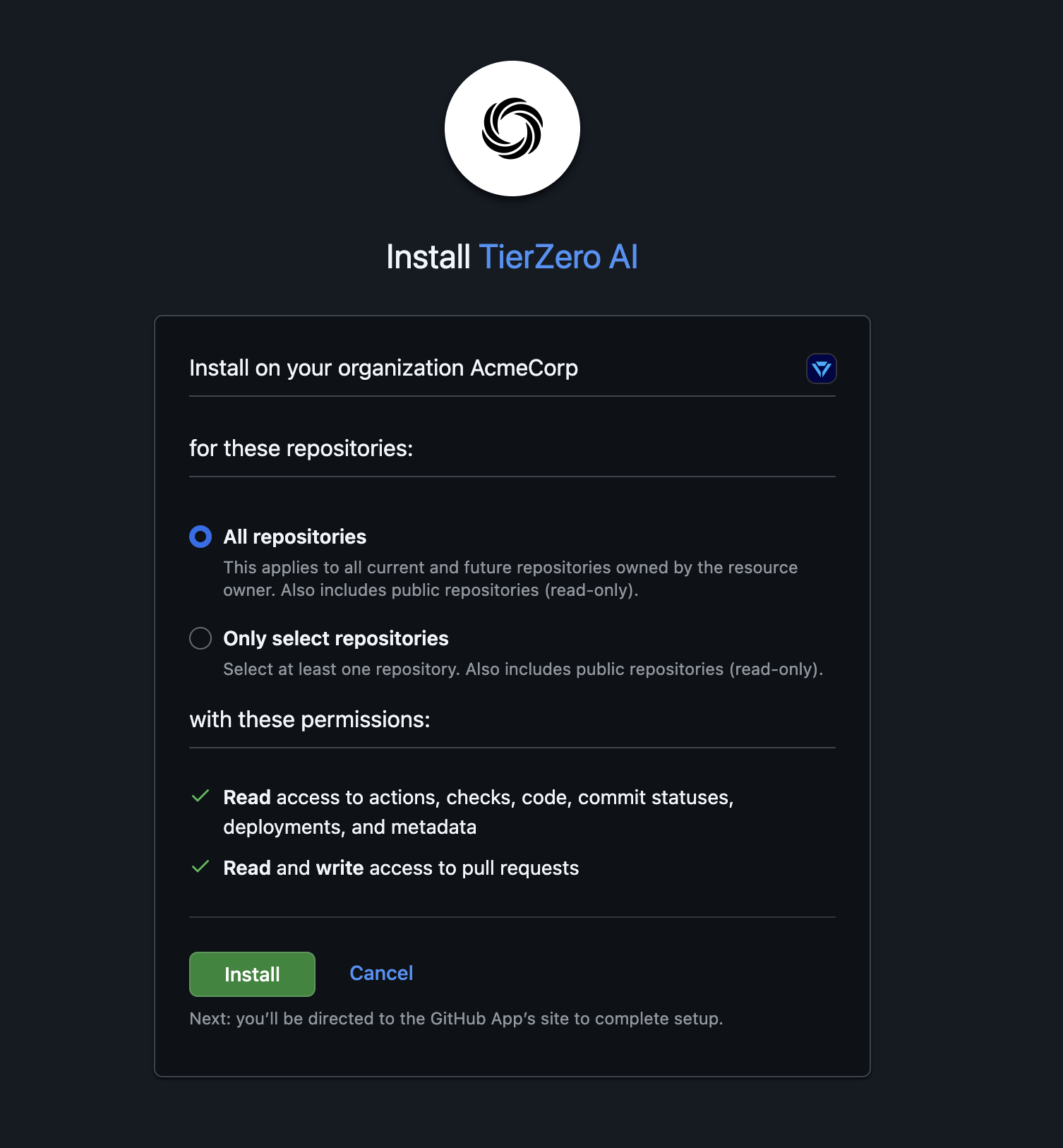
- All repositories - Grants access to all current and future repositories (recommended for comprehensive coverage)
- Only select repositories - Grant access to specific repositories (recommended for initial setup or security requirements)
- TierZero needs access to repositories where you want intelligent code analysis
- The GitHub App only requests read-only access except for pull requests
- You can modify repository access at any time through GitHub settings
Slack Setup
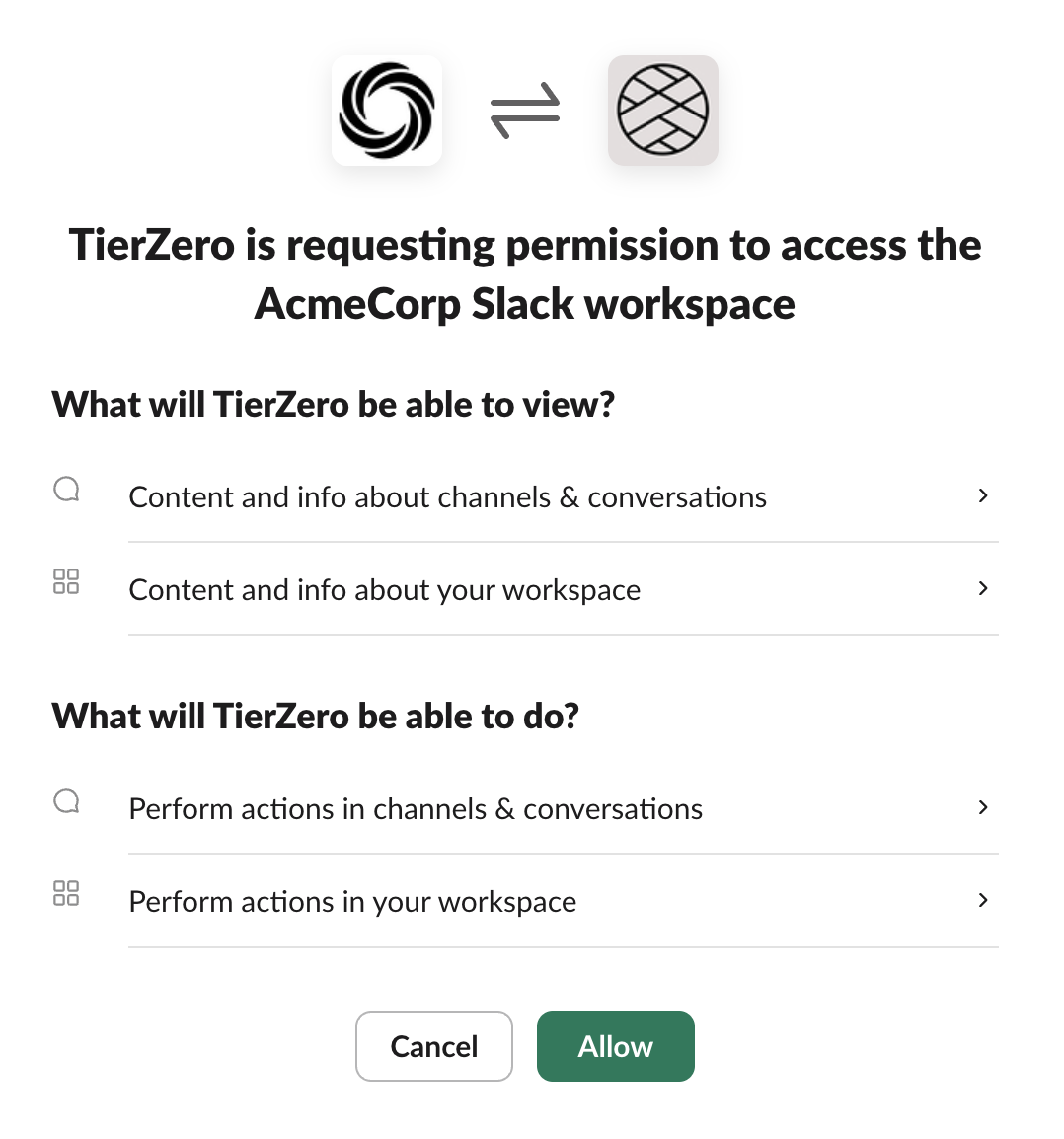
- Slack integration allows TierZero to participate in your team’s conversations
- The following permissions are necessary for full functionality
- Communication & Responses: app mentions, send messages, customize messages, slash commands
- Channel Access: join and read public channels, access channel history, read and write to private channels
- Direct Messages & Groups: read and write direct messages, read multi-party DMs
- Context & Investigation: read message metadata and pinned messages, read and write files
- Feedback & User Management: read and add reactions, read user information and groups
- You can configure which channels trigger TierZero responses in Settings → Feature Enablement (Advanced Settings section)
Getting Started
To connect an integration:- Navigate to Settings → Integrations in your TierZero dashboard
- Click the Connect button for the integration you want to add
- Follow the setup wizard and authorize the required permissions
- Verify the integration shows as “Connected”
Security
All integrations follow these security principles:- Read-only access whenever possible (except where write access is needed for functionality)
- Encrypted credentials at rest and in transit
- Revocable access at any time through the provider’s settings
- Minimal permissions required for functionality